EMS-ESP





[](https://github.com/emsesp/EMS-ESP32/blob/main/CHANGELOG.md)
[](https://github.com/emsesp/EMS-ESP32/commits/main)
[](LICENSE)
[](https://sonarcloud.io/summary/new_code?id=emsesp_EMS-ESP32)
[](https://app.codacy.com/gh/emsesp/EMS-ESP32/dashboard?utm_source=gh&utm_medium=referral&utm_content=&utm_campaign=Badge_grade)
[](https://github.com/emsesp/EMS-ESP32/releases)
[](https://discord.gg/3J3GgnzpyT)
[](https://github.com/emsesp/EMS-ESP32/stargazers)
[](https://github.com/emsesp/EMS-ESP32/network)
[](https://www.paypal.com/paypalme/prderbyshire/2)
**EMS-ESP** is an open-source firmware for the Espressif ESP32 microcontroller to communicate with **EMS** (Energy Management System) compatible equipment from manufacturers such as Bosch, Buderus, Nefit, Junkers, Worcester, Sieger, elm.leblanc and iVT.
It requires a small circuit to interface with the EMS bus which can be purchased from or custom built.
## 📦 **Key Features**
- Compatible with EMS, EMS+, EMS2, EMS Plus, Logamatic EMS, Junkers 2-wire, Heatronic 3 and 4
- Supporting over 120 different EMS compatible devices such as thermostats, boilers, heat pumps, mixing units, solar modules, connect modules, ventilation units, switches and more
- Easy to add external Temperature and Analog sensors that are attached to GPIO pins on the ESP32 board
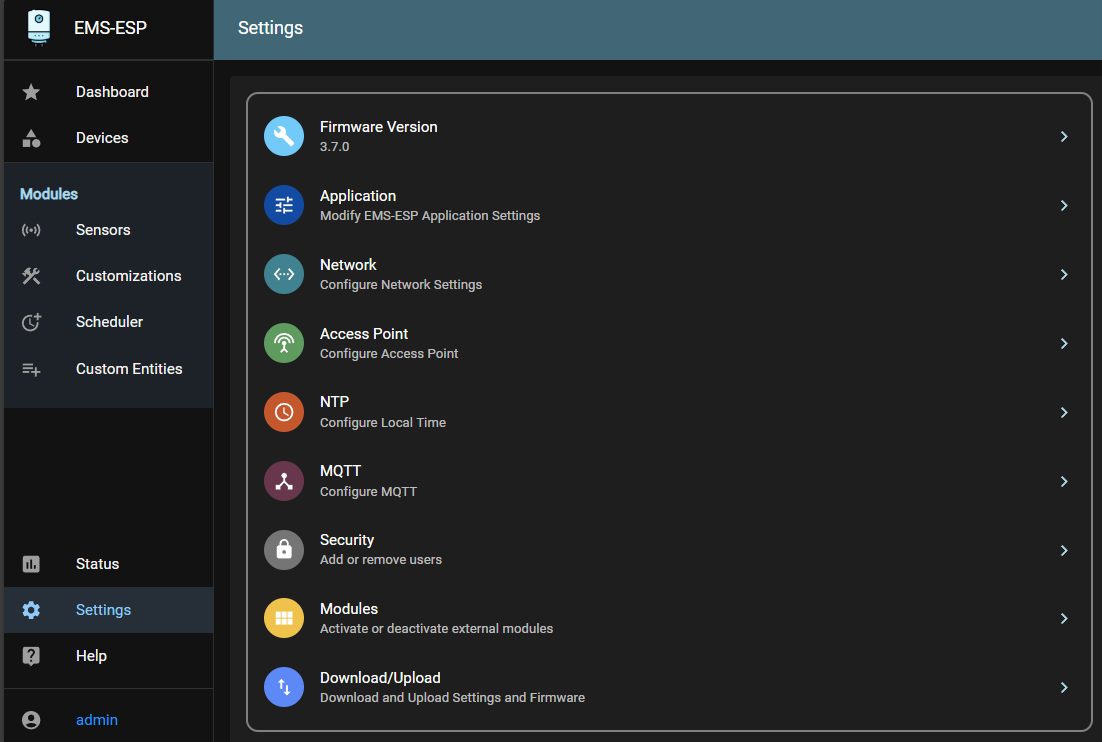
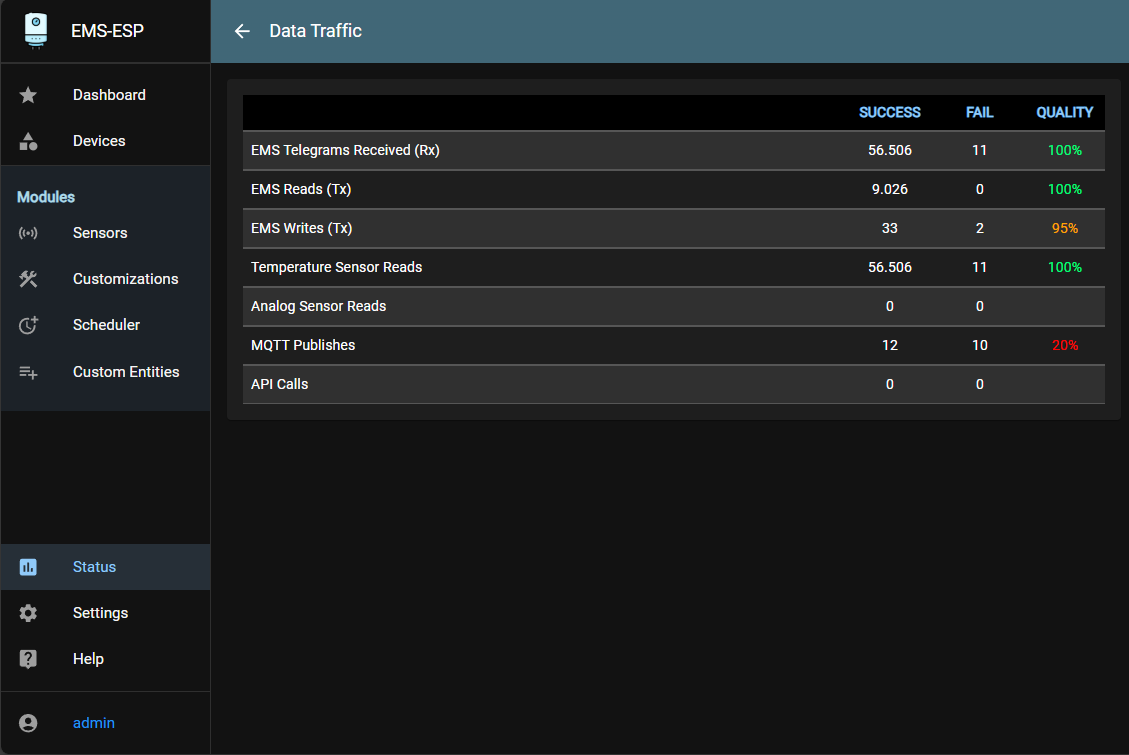
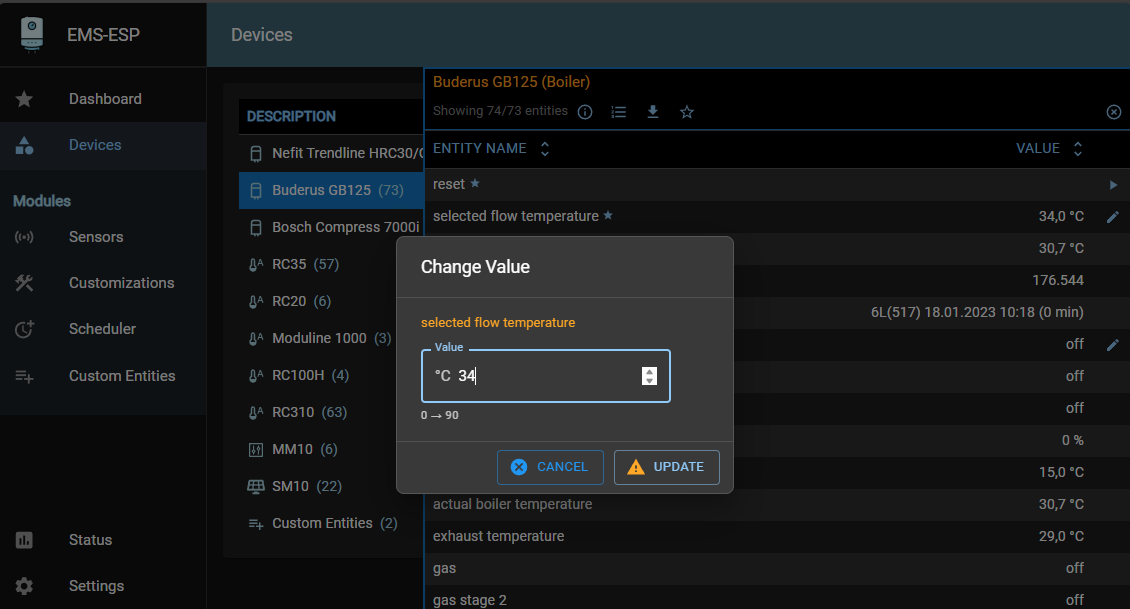
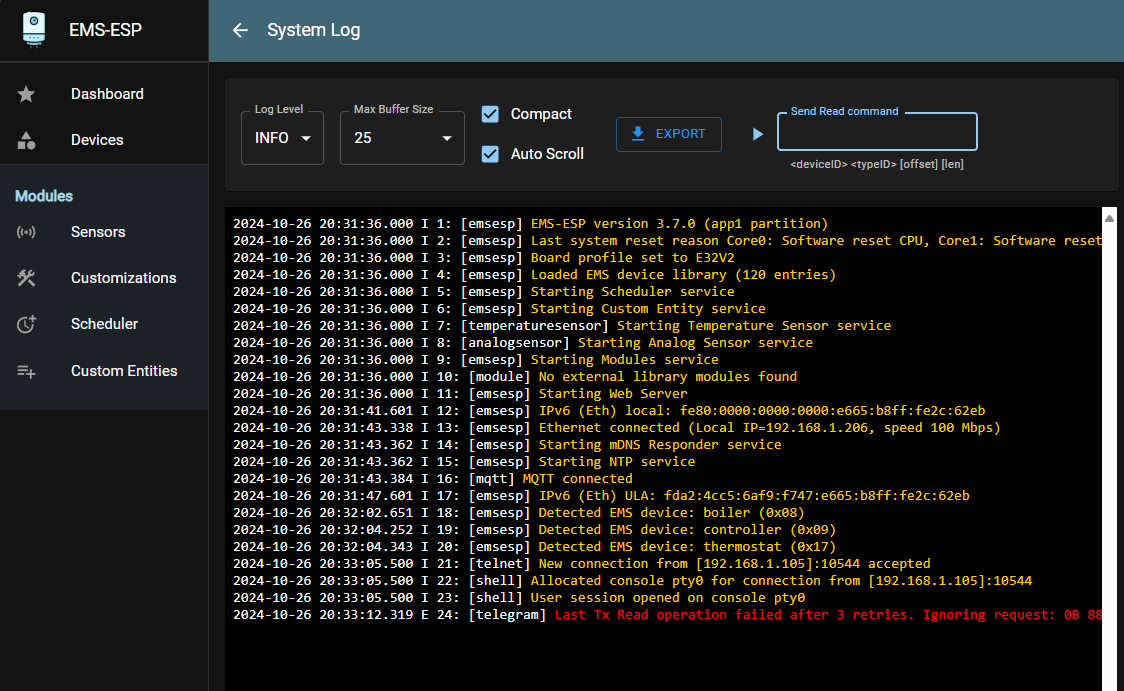
- A multi-user, multi-language web interface to change settings and monitor incoming data
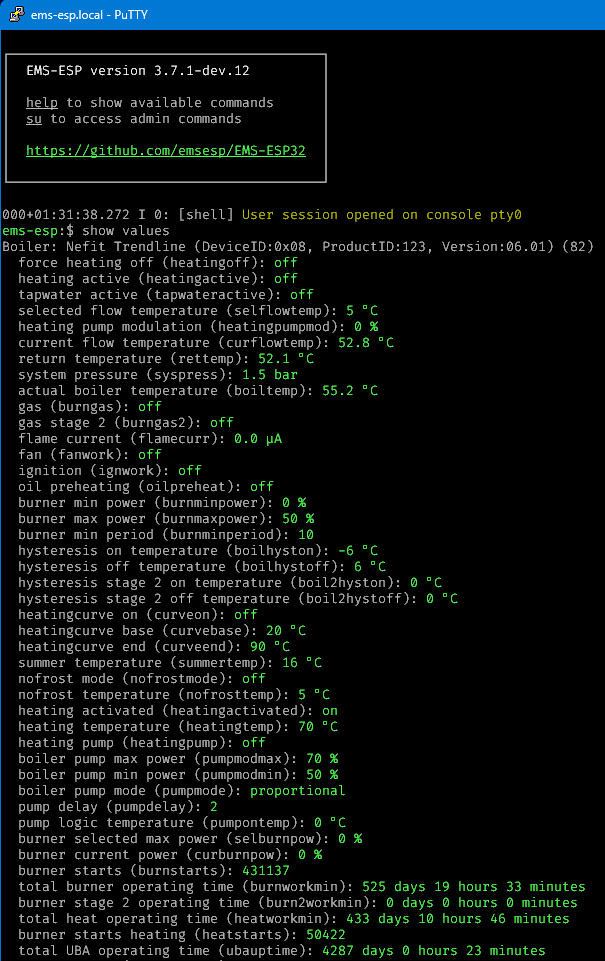
- A simple to use console, accessible via Serial/USB or Telnet for advanced operations and detailed monitoring
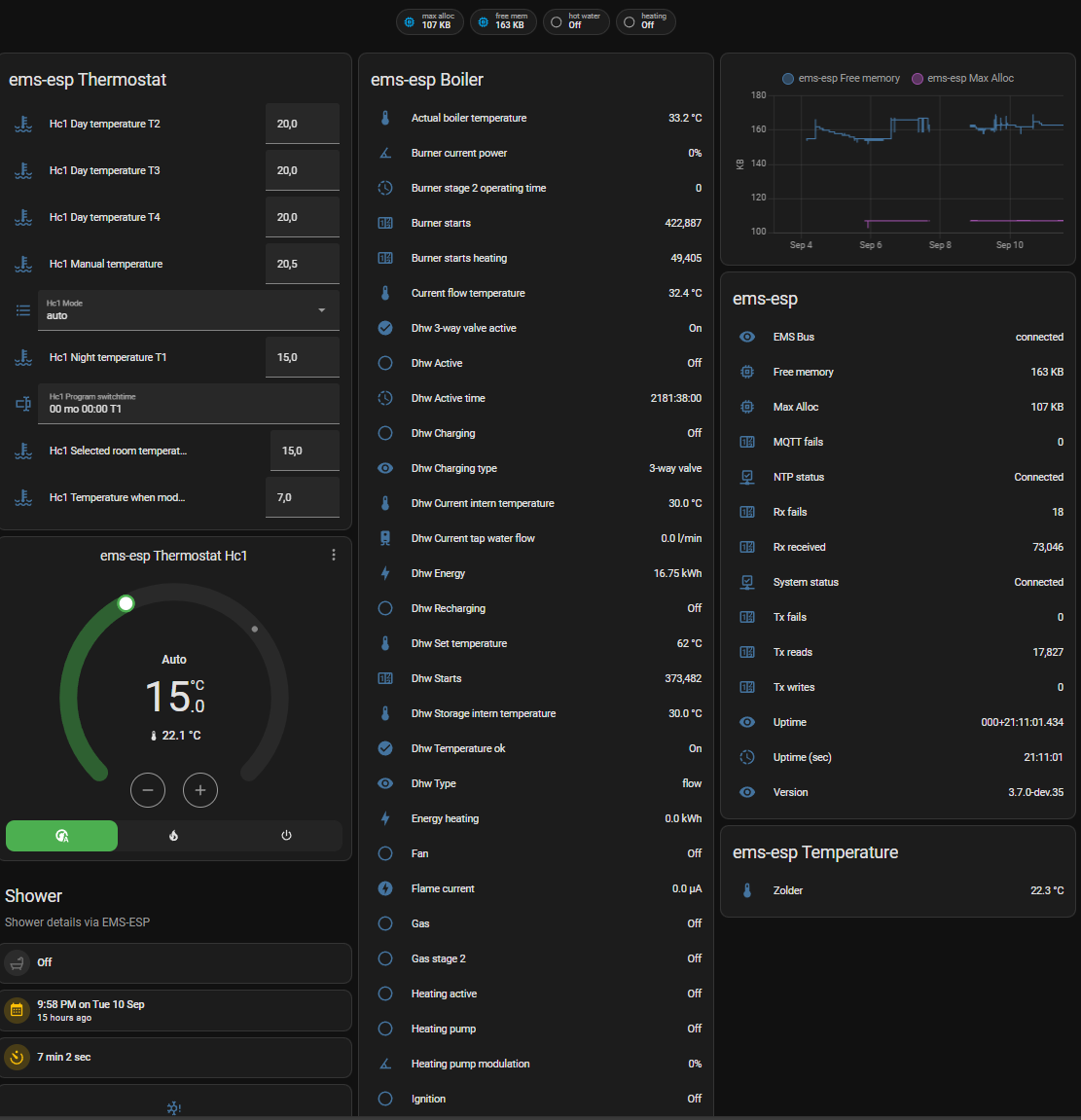
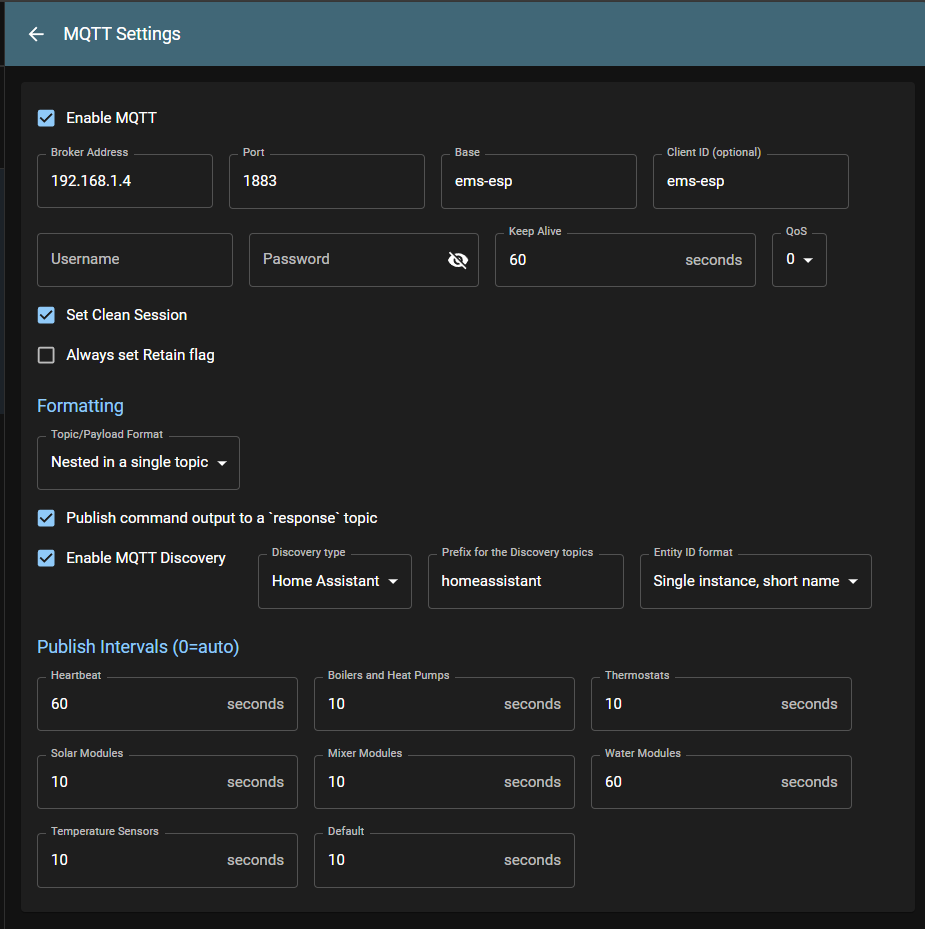
- Native integration with Home Assistant, Domoticz, openHAB and Modbus
- Easy setup and install with automatic updates
- Simulation of remote thermostats
- Localized in 11 languages, and customizable to rename any device or sensor
- Extendable by adding own custom EMS entities
- Expandable via adding user-built external modules
- A powerful Scheduler to automate tasks and trigger events based data changes
- A Notification service to alert you of important events
## 🚀 **Installing**
Head over to [download.emsesp.org](https://download.emsesp.org) for instructions on how to install EMS-ESP. There is also further details on which boards are supported in [this section](https://docs.emsesp.org/Installing/) of the documentation.
## 📋 **Documentation**
Visit [emsesp.org](https://docs.emsesp.org) for more details on how to install and configure EMS-ESP. There is also a collection of Frequently Asked Questions and Troubleshooting tips with example customizations from the community.
## 💬 **Getting Support**
To chat with the community reach out on our [Discord Server](https://discord.gg/3J3GgnzpyT).
If you find an issue or have a request, see [how to request support](https://docs.emsesp.org/Support/) on how to submit a bug report or feature request.
## 🎥 **Live Demo**
For a live demo go to [demo.emsesp.org](https://demo.emsesp.org). Pick a language from the sign on page and log in with any username or password. Note not all features are operational as it's based on static data.
## 💖 **Contributors**
EMS-ESP is a project created by [proddy](https://github.com/proddy) and owned and maintained by both [proddy](https://github.com/proddy) and [MichaelDvP](https://github.com/MichaelDvP) with support from [BBQKees Electronics](https://bbqkees-electronics.nl).
If you like **EMS-ESP**, please give it a ✨ on GitHub, or even better fork it and contribute. You can also offer a small donation. This is an open-source project maintained by volunteers, and your support is greatly appreciated.
## 📦 **Building**
To build the web interface only, run `platformio run -e build_webUI`. This will install the necessary dependencies and build the web interface and also create the embedded code used need to build the firmware. You can run the web interface locally by going to the `interface` directory and running `pnpm standalone`.
To build the firmware, run `platformio run`. This will build the firmware for all ESP32 modules and place the binaries in the `build/firmware` folder. If you want to configure the build for a single platform create a local `pio_local.ni` file in the root directory (see example in `pio_local.ini_example`).
## 📢 **Libraries used**
- [esp8266-react](https://github.com/rjwats/esp8266-react) originally by @rjwats for the core framework that provides the Web UI, which has been heavily modified
- [uuid-\*](https://github.com/nomis/mcu-uuid-console) from @nomis. The console, syslog, telnet and logging are based off these awesome open source libraries
- [ArduinoJson](https://github.com/bblanchon/ArduinoJson) for all the JSON processing
- [espMqttClient](https://github.com/bertmelis/espMqttClient) for the MQTT client
- [ESPAsyncWebServer](https://github.com/ESP32Async/ESPAsyncWebServer) and [AsyncTCP](https://github.com/ESP32Async/AsyncTCP) for the Web server
## 📜 **License**
This program is licensed under GPL-3.0
## **Screenshots**
### Web Interface
| | |
| ---------------------------------- | -------------------------------- |
|  |  |
|  |  |
|  |  |
### Telnet Console
### Home Assistant